
Cursor
Featured✓ Editorially verifiedAI-first VS Code fork — chat, edit, and agentic coding in one IDE.
Pick Cursor if you want the most ergonomic multi-file AI editing in a VS Code-like UI and you're comfortable paying for it.
Skip it if you live in JetBrains, need an offline workflow, or want a strictly free tool.
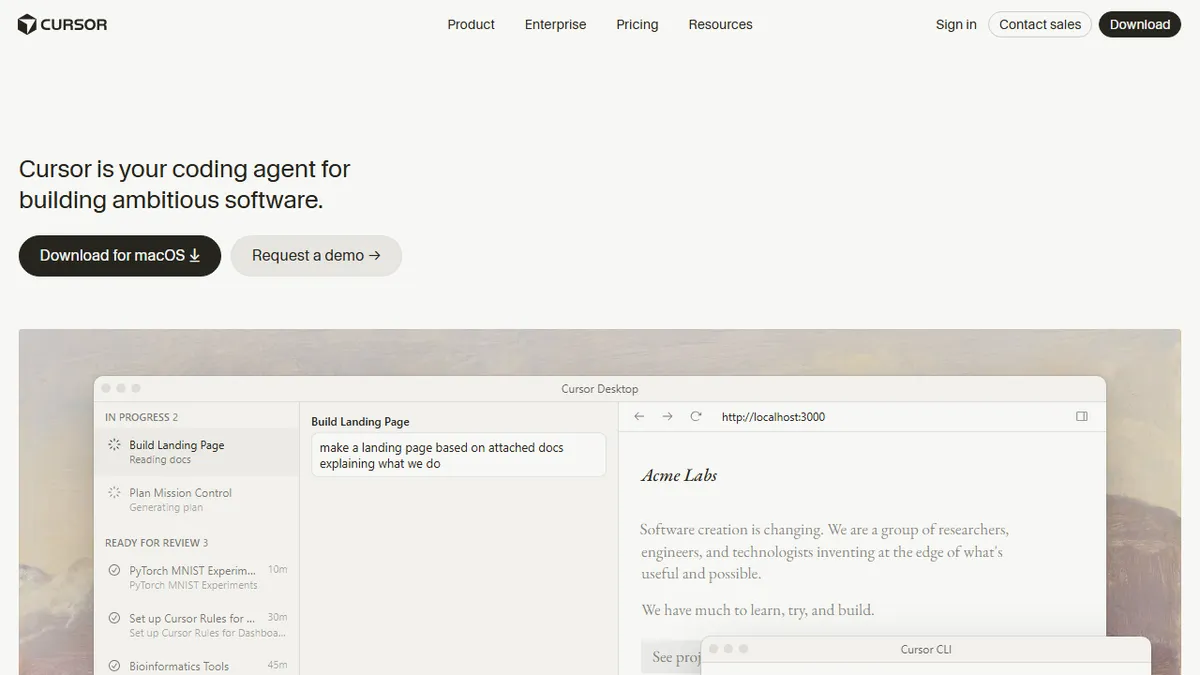
Cursor is a VS Code fork with deep AI integration. The headline features are in-line tab completion (faster than Copilot in practice), multi-file edits via cmd-K and Composer, an agent that can plan and execute multi-step changes, and a chat side panel that understands your whole codebase via embeddings.
The default editor for many AI-native engineers in 2026. The reasons are practical: model choice (Claude Sonnet, GPT, etc.), excellent multi-file refactor quality, and a UX that's been iterated on weekly rather than quarterly.
The trade-offs are real — Cursor is heavier than vanilla VS Code, pricing has crept up steadily, and a small subset of VS Code extensions lag the upstream. But for a working engineer who writes code daily, the productivity delta is large enough that the $20/mo is rarely a question.
Cursor is what Copilot would be if Microsoft moved at startup speed. The model-choice flexibility alone is worth the switch — being able to route the hard task to Claude and the cheap task to a smaller model is the kind of pragmatism that wins the daily workflow.
— The AI Tool Bible editorial team
Pros
- ✅ Best-in-class multi-file edits
- ✅ Choice of underlying models
- ✅ Composer agent is genuinely useful
- ✅ Tab completion is faster than Copilot
Cons
- ⚠️ Heavier than vanilla VS Code
- ⚠️ Pricing creeping up
- ⚠️ Some extensions lag VS Code
Use cases
Explore related
Compare with similar tools
All in Coding →GitHub Copilot
FeaturedThe original AI pair programmer, now with chat and agents.
Replit Agent
FeaturedBuild & deploy a full app from a single prompt.
Warp
The agentic development environment, from the terminal up
Cline
Open-source agentic coding assistant that plans, edits, and runs code inside your IDE
Aider
Terminal-based AI pair programmer that writes commits.
Amp (Sourcegraph)
Frontier coding agent from Sourcegraph with pass-through model pricing