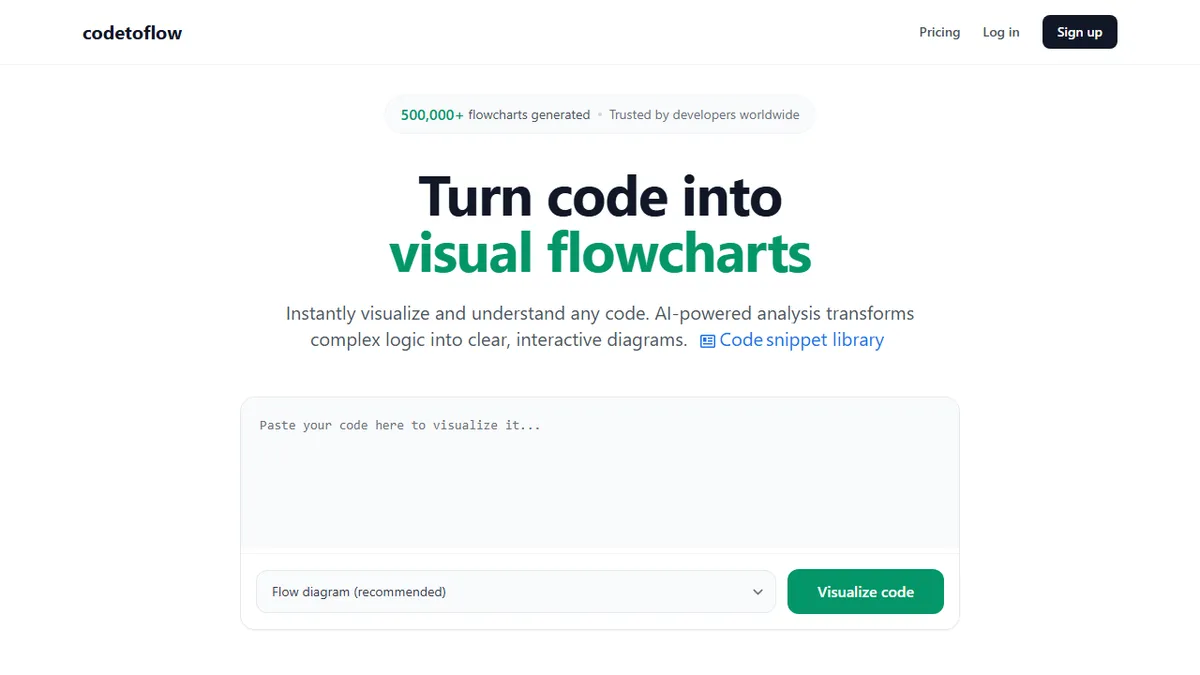
Code to Flow
AI-powered converter that turns code snippets into flowcharts, sequence diagrams, and class diagrams.
Pick Code to Flow if you want a quick web tool to turn an unfamiliar function or class into a readable diagram without setting up Mermaid or PlantUML by hand.
Skip it if you need to diagram whole repositories, integrate generation into CI, or call it from your own application via an API.
Code to Flow (codetoflow.com) is a browser-based visualization tool that ingests a code snippet and renders it as an interactive diagram, with flowcharts, sequence diagrams, class diagrams, tech concept explainers, and user journey maps all on offer. It accepts the usual suspects (Python, JavaScript, Java, C++, Go, Rust, and other mainstream languages) and pairs the visual output with an AI-generated explanation of what the code is doing.
It is squarely aimed at developers onboarding to unfamiliar codebases, CS students trying to understand control flow, and engineers building documentation or running code reviews. Pricing is modest: 3 free flowcharts per day, $9.99/mo for unlimited generations with an 8k token cap per diagram, or a $66.99 lifetime deal. The vendor claims code is processed in-memory and never stored, which is reassuring for anyone tempted to paste in proprietary source.
The site does not name the underlying model, expose a public API, or publish source. Exports are limited to PNG, SVG, and PDF with shareable links, and there is no IDE plugin or Git integration on offer today, so it sits as a standalone web utility rather than a piece of dev tooling that lives inside your workflow.
A useful one-trick utility that scratches a real itch for anyone reading code they did not write. The lifetime price is fair, but the 8k token cap and absence of an API or IDE plugin keep it firmly in the side-tool category rather than something you would build a documentation pipeline around.
— The AI Tool Bible editorial team
Pros
- ✅ Handles all mainstream languages with one paste-and-go interface
- ✅ Multiple diagram types beyond flowcharts (sequence, class, journey)
- ✅ Cheap lifetime tier removes recurring cost for solo devs
- ✅ Claims zero code retention, useful for sensitive snippets
- ✅ Exports to PNG, SVG, and PDF with shareable links
Cons
- ⚠️ No API, IDE plugin, or Git integration
- ⚠️ Underlying model is not disclosed
- ⚠️ 8k token cap limits diagrams of larger files
- ⚠️ Closed source with no self-host option
Use cases
Explore related
Compare with similar tools
All in Coding →Cursor
FeaturedAI-first VS Code fork — chat, edit, and agentic coding in one IDE.
GitHub Copilot
FeaturedThe original AI pair programmer, now with chat and agents.
Replit Agent
FeaturedBuild & deploy a full app from a single prompt.
Warp
The agentic development environment, from the terminal up
Cline
Open-source agentic coding assistant that plans, edits, and runs code inside your IDE
Aider
Terminal-based AI pair programmer that writes commits.